 HOMESNAPPBook a shoot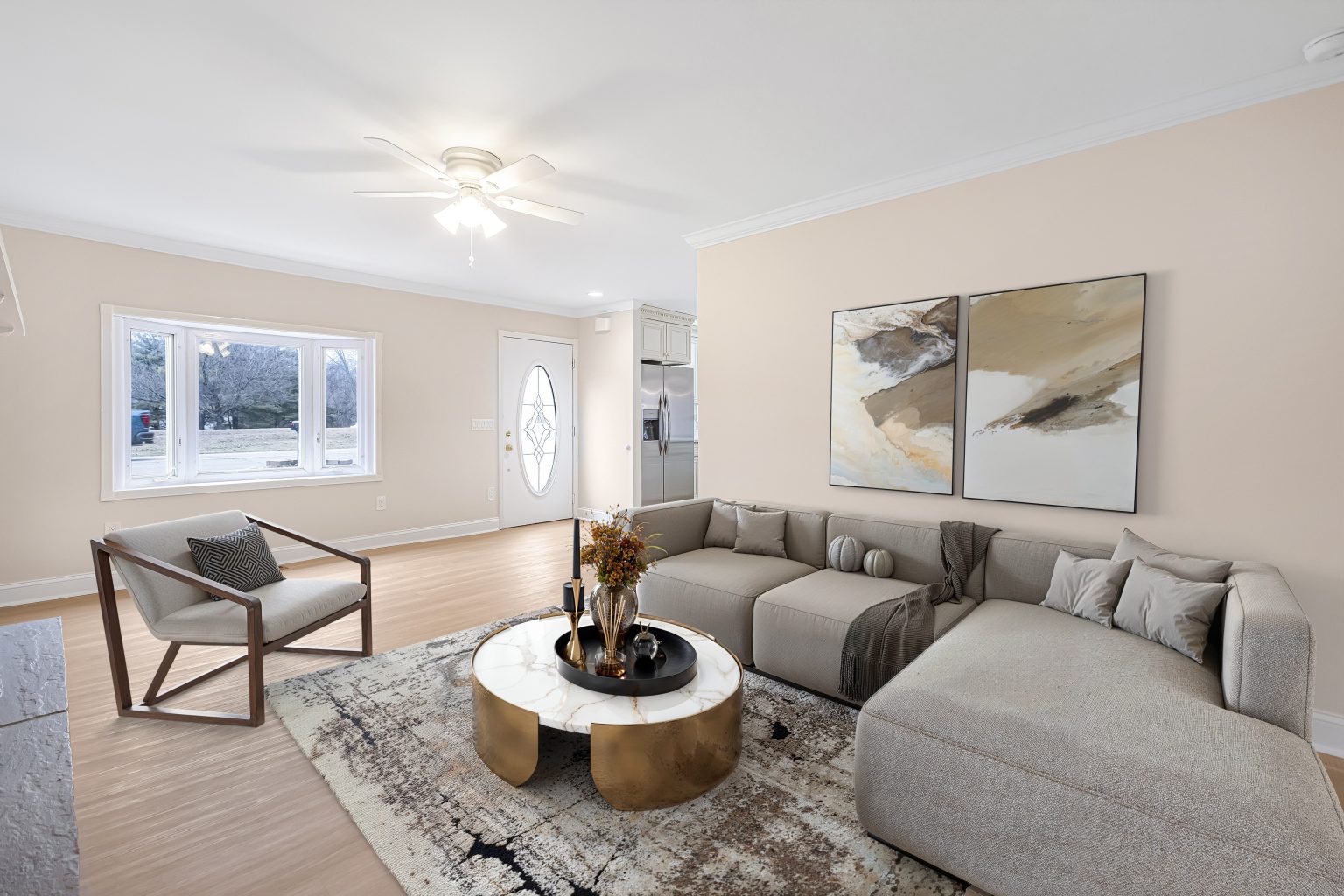
Real estate media service
Virtual Staging for Real Estate Listings in NJ
Natural-looking furniture and décor that give empty rooms purpose, scale, and buyer appeal.
Schedule a shoot ↗What you get
Give empty rooms
a clear sense of purpose.
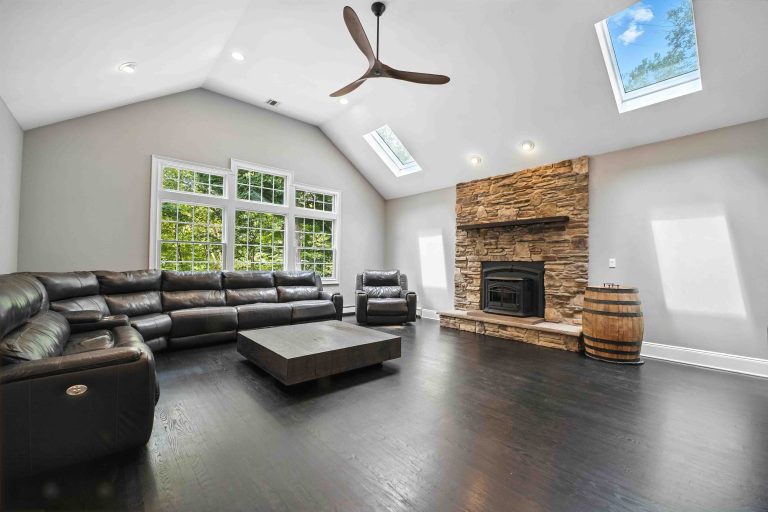
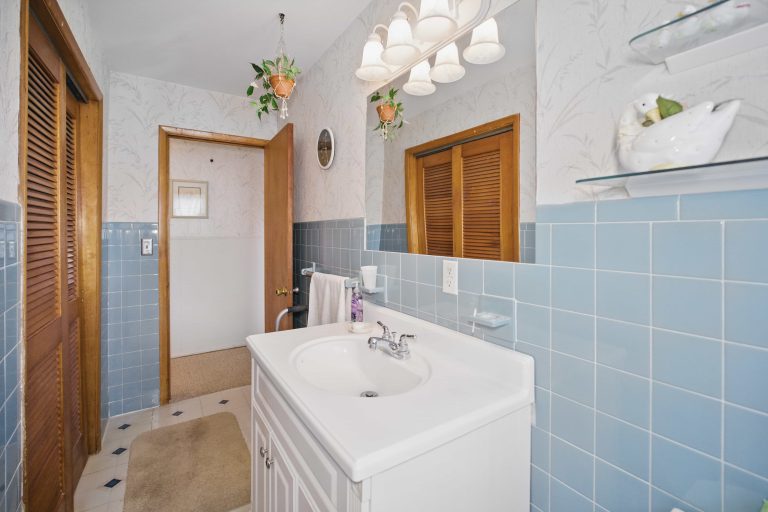
HomeSnapp virtual staging adds furniture and décor to vacant listing photographs for $15 per photo. It helps an empty living room, bedroom, or dining area communicate a possible use, scale, and arrangement without physically furnishing the property.
Start with the rooms where an empty photograph leaves the most questions. Discuss the intended room use and desired presentation when planning the media package. Virtual staging complements the photographed property; a floor plan can add a separate view of how the rooms connect.
- Virtually staged listing photograph
- Furniture and décor added digitally
- $15 per photo
- Select the rooms and intended uses when planning coverage
Plan the coverage
Make vacant spaces easier to read
Furniture can give a room a visible purpose when its size or layout is hard to judge from an empty photograph.
Choose where staging helps
Focus on the vacant rooms that need explanation rather than adding furniture to every image.
Plan a connected presentation
Combine staged images with the listing gallery and layout information so buyers can understand both room use and room relationships.
Before you book
Plan your listing media.
Practical answers from HomeSnapp. For property-specific questions, contact our local team.
Support@HomeSnapp.com →How much does HomeSnapp virtual staging cost?+
Virtual staging is $15 per photo. See all editing and listing-media prices.
Is virtual staging physical furniture rental?+
No. HomeSnapp virtual staging adds furniture and décor digitally to a listing photograph.
Which rooms should I plan to stage?+
Choose vacant spaces where furniture would help explain the room’s purpose or arrangement. Use the media planner to identify those rooms before choosing the package.
Complete the listing package